Delving into the realm of CRM automation software, this article aims to shed light on how businesses can revolutionize their customer relationship management processes.
As we navigate through the key features, implementation strategies, integration possibilities, and customization options, you'll uncover the true potential of CRM automation software.
Overview of CRM Automation Software
CRM automation software refers to tools and technologies designed to streamline and automate customer relationship management processes. These software solutions help businesses manage interactions with current and potential customers, improve sales, and enhance customer service.
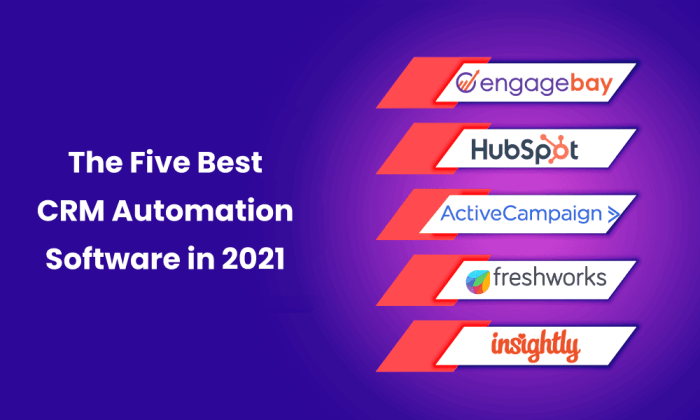
Popular CRM Automation Tools
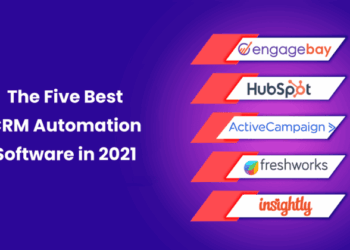
- Salesforce: One of the most widely used CRM platforms that offers a variety of automation features for sales, marketing, and customer service.
- HubSpot CRM: Known for its user-friendly interface and robust automation capabilities, including lead management and email marketing automation.
- Zoho CRM: Offers automation features for sales, marketing, and customer support, allowing businesses to automate repetitive tasks and workflows.
Benefits of Using CRM Automation Software
- Improved Efficiency: Automation of repetitive tasks saves time and allows employees to focus on high-value activities.
- Enhanced Customer Relationships: By automating follow-ups and personalizing interactions, businesses can build stronger relationships with customers.
- Increased Sales: CRM automation tools help in identifying potential leads, nurturing them through the sales funnel, and closing deals more effectively.
- Data Insights: By tracking and analyzing customer data, businesses can gain valuable insights to make more informed decisions and improve their overall performance.
Key Features of CRM Automation Software
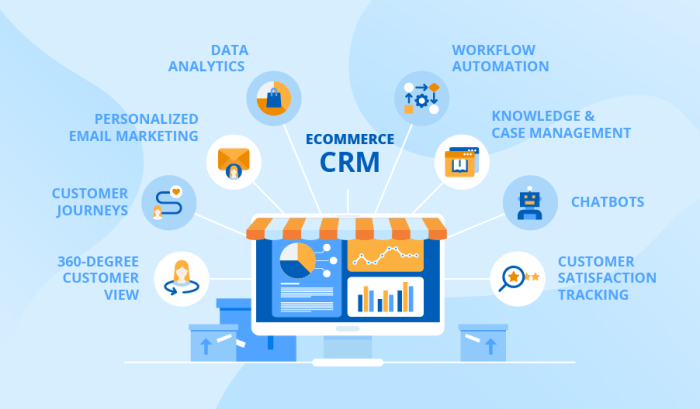
CRM automation software offers a range of features that are essential for managing customer relationships efficiently and effectively. These key features help businesses streamline their processes and enhance customer satisfaction.
Data Management
- Centralized Database: CRM automation tools provide a centralized database where all customer information is stored, making it easily accessible to all team members.
- Data Segmentation: The software allows users to segment customer data based on various criteria, enabling targeted marketing campaigns and personalized communication.
- Data Cleansing: CRM automation software helps in maintaining clean and accurate data by identifying and removing duplicate or outdated information.
Workflow Automation
- Automated Task Assignment: The software automates the assignment of tasks to team members based on predefined rules, ensuring timely follow-ups and efficient task management.
- Automated Communication: CRM automation tools enable automated communication with customers through personalized emails, notifications, and reminders.
- Automated Reporting: The software generates reports automatically, providing insights into customer interactions, sales performance, and other key metrics.
Integration Capabilities
- Integration with Third-Party Apps: CRM automation software integrates seamlessly with other business applications such as email marketing tools, e-commerce platforms, and analytics software.
- API Integration: The software offers API integration, allowing businesses to connect their CRM system with custom or third-party software solutions.
- Real-Time Data Sync: CRM automation tools ensure real-time synchronization of data across all integrated systems, eliminating data silos and inconsistencies.
Implementation of CRM Automation Software
Implementing CRM automation software in a company requires careful planning and execution to ensure a successful adoption. Businesses must navigate through various steps and challenges to effectively integrate this technology into their operations.
Steps Involved in Implementing CRM Automation Software
- Assessment of Current Processes: Evaluate existing workflows and identify areas where CRM automation can streamline operations.
- Selection of Software: Research and choose a CRM automation solution that aligns with the company's needs and budget.
- Data Migration: Transfer existing customer data to the new CRM system without loss or corruption.
- Customization and Configuration: Tailor the software to match specific business requirements and set up workflows.
- Training and Onboarding: Provide comprehensive training to employees on how to use the CRM software effectively.
- Testing and Optimization: Conduct thorough testing to ensure the software functions as intended and make necessary adjustments.
- Go-Live and Support: Launch the CRM automation software company-wide and provide ongoing support for users.
Challenges During Implementation
- Resistance to Change: Employees may be reluctant to adopt new technology, leading to low usage and inefficiencies.
- Data Quality Issues: Inaccurate or incomplete data can hinder the effectiveness of the CRM system.
- Integration with Existing Systems: Compatibility issues with other software solutions may arise, requiring additional resources for integration.
- Lack of Executive Support: Without buy-in from leadership, the implementation process may face roadblocks.
Tips for Successful Adoption
- Communicate Effectively: Keep all stakeholders informed about the benefits of CRM automation and address any concerns proactively.
- Involve End-Users: Include employees in the decision-making process and provide training to ensure they are comfortable using the new software.
- Set Clear Objectives: Define specific goals for implementing CRM automation and track progress to measure success.
- Monitor Performance: Regularly assess the performance of the CRM system and make adjustments as needed to optimize efficiency.
Integration with Other Tools and Systems
CRM automation software offers the flexibility to integrate with various other tools and systems to streamline processes and enhance overall efficiency.
Importance of Seamless Integration
Seamless integration with existing tools and systems is crucial for maximizing the benefits of CRM automation software. It allows for the smooth flow of data, eliminates manual data entry errors, and provides a unified view of customer interactions across all platforms.
- Integration with Email Marketing Platforms: CRM automation software can be seamlessly integrated with popular email marketing platforms such as MailChimp or Constant Contact. This integration enables users to sync customer information, track email interactions, and create targeted campaigns based on CRM data.
- Integration with Social Media Platforms: By integrating CRM automation software with social media platforms like Facebook or Twitter, businesses can gather valuable customer data, track interactions, and engage with customers on social channels directly from the CRM system.
- Integration with Customer Support Systems: Integration with customer support systems like Zendesk or Freshdesk allows for a holistic view of customer interactions. This integration enables support teams to access customer data, view past interactions, and provide personalized support efficiently.
Customization and Personalization Capabilities
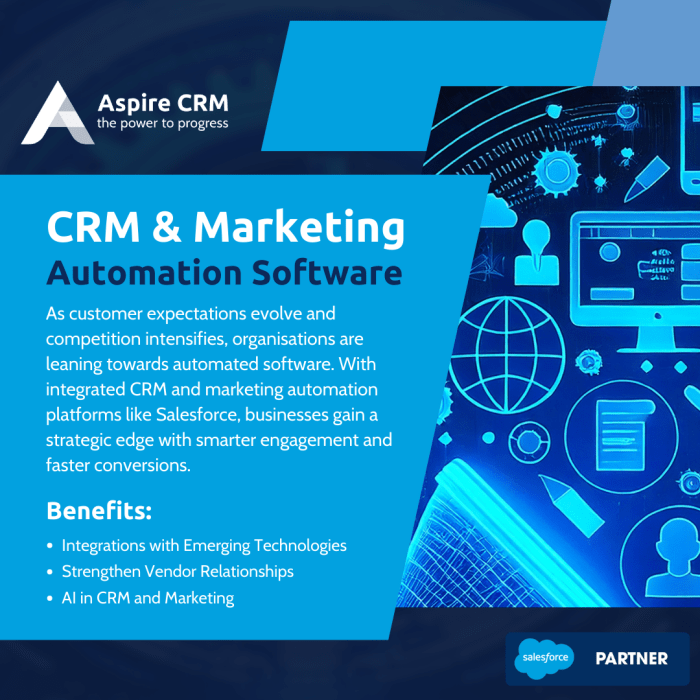
Customization and personalization play a crucial role in CRM automation software, allowing businesses to tailor the tools to meet their specific needs. This level of customization enhances user experience, improves productivity, and helps organizations better connect with their customers on a more personalized level.
Significance of Customization and Personalization
Customization and personalization capabilities in CRM automation software enable businesses to adapt the system to their unique requirements. By customizing fields, workflows, and reports, companies can ensure that the CRM tool aligns perfectly with their business processes. This level of flexibility enhances efficiency and effectiveness, as employees can work with a system that is tailored to their needs.
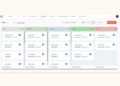
- Customized Dashboards: Businesses can create personalized dashboards that display relevant information and metrics based on individual roles or responsibilities. This allows users to quickly access the data they need to make informed decisions.
- Personalized Communication: CRM automation software enables businesses to personalize customer interactions by storing and utilizing detailed customer information. This allows for targeted and customized communication, improving customer satisfaction and loyalty.
- Tailored Workflows: Customizing workflows within the CRM system helps businesses streamline processes and automate repetitive tasks. By tailoring workflows to specific requirements, companies can increase efficiency and reduce manual errors.
Final Thoughts
In conclusion, CRM automation software offers a dynamic solution to enhance customer relationships, boost efficiency, and drive business growth. By harnessing its capabilities effectively, organizations can pave the way for sustained success in today's competitive landscape.
FAQ Overview
What is the importance of CRM automation software?
CRM automation software helps businesses streamline their customer relationship management processes, improve efficiency, and enhance overall customer satisfaction.
How can businesses ensure successful adoption of CRM automation software?
Businesses can ensure successful adoption of CRM automation software by providing adequate training to employees, setting clear goals, and regularly monitoring and evaluating its performance.
What are some popular CRM automation tools in the market?
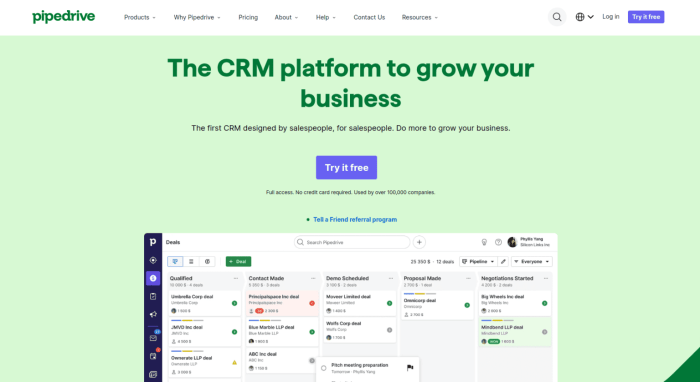
Some popular CRM automation tools include Salesforce, HubSpot CRM, Zoho CRM, and Pipedrive.